

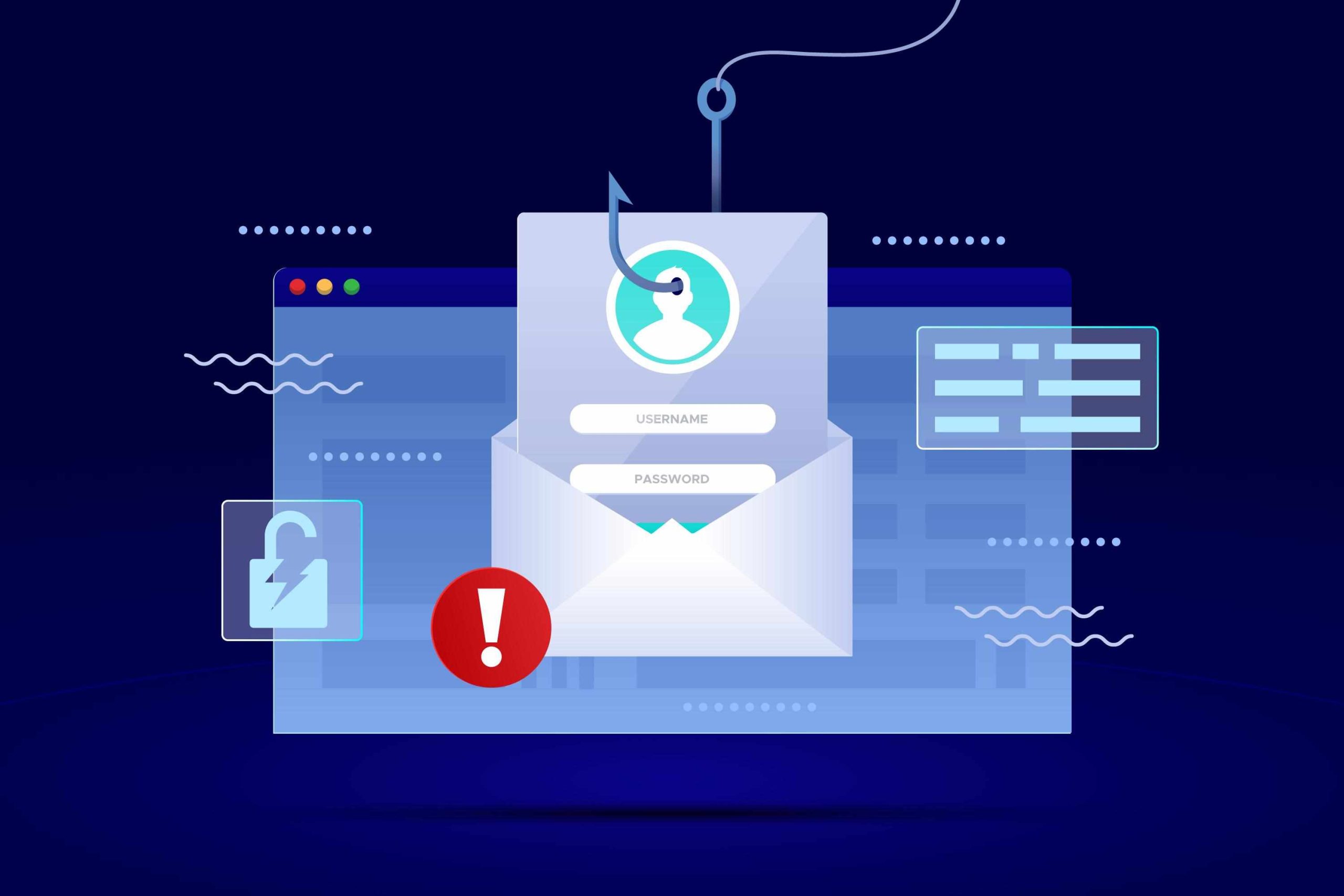
avoid email spam
avoid email spam
Avoid email spam by using strong filters and not clicking shady links. Simple email inbox tips include blocking unknown senders and checking
avoid email spam
avoid email spam
How to Keep Your Emails Out of the Spam Folder
You’ve spent hours crafting the perfect email marketing campaign. The subject line is catchy, the copy is compelling, and the call-to-action is crystal clear. You hit “send,” excited about the engagement and conversions to come, only to find out that most of your emails landed in the spam folder. It’s a frustrating scenario, and one that can seriously undermine your marketing efforts.
When your emails are marked as spam, it doesn’t just mean your audience won’t see them. It also damages your sender’s reputation, making it even harder for future emails to reach the inbox. For businesses, this translates to lost leads, missed sales opportunities, and a weakened customer relationship. Understanding how to improve email deliverability is crucial for any successful email marketing strategy.
This guide will walk you through the essential steps to avoid the spam filter. We’ll cover everything from the technical setup to content best practices, helping you ensure your messages land exactly where you want them: in your audience’s inbox.
Understanding How Spam Filters Work
Before you can beat the spam filters, you need to understand what they’re looking for. Spam filters are the gatekeepers of the inbox. Their job is to analyze incoming emails and decide whether they are legitimate or junk. They use complex algorithms to score emails based on various factors. If an email’s score exceeds a certain threshold, it’s flagged as spam.
Key factors that spam filters consider include:
Sender Reputation: Internet Service Providers (ISPs) track the sending history associated with your IP address and domain. If you’ve been reported for sending spam in the past, your reputation score will be low, and your emails are more likely to be filtered.
Keywords and Content: Certain words and phrases are classic red flags. Using spam trigger words like “free,” “winner,” or “act now” in all caps can send your email straight to the junk folder. Excessive punctuation and misleading subject lines also contribute to a higher spam score.
Engagement Metrics: ISPs monitor how recipients interact with your emails. High open rates and click-through rates signal that your content is valuable. Conversely, if many people delete your emails without opening them or mark them as spam, it hurts your sender reputation.
Technical Authentication: Spam filters check for proper email authentication protocols like SPF, DKIM, and DMARC. These records prove that the email is actually from you and hasn’t been forged by a malicious sender.
Get Your Technical Setup Right
A solid technical foundation is the first step to improving your email deliverability. While the acronyms might seem intimidating, setting up authentication is a one-time task that pays off in the long run.
Set Up SPF, DKIM, and DMARC
These three records work together to verify your identity as a sender.
SPF (Sender Policy Framework): This is a DNS record that lists the mail servers authorized to send emails on behalf of your domain. It’s like creating a guest list for your domain’s email—if a server isn’t on the list, it’s turned away.
DKIM (DomainKeys Identified Mail): DKIM adds a digital signature to your emails. The recipient’s email server can use this signature to verify that the email was sent from your domain and that its content hasn’t been tampered with in transit.
DMARC (Domain-based Message Authentication, Reporting, and Conformance): DMARC builds on SPF and DKIM. It tells receiving servers what to do if an email fails SPF or DKIM checks (e.g., reject it or send it to spam). It also provides reports, giving you insight into who is sending emails from your domain.
Most email marketing platforms provide step-by-step guides for setting up these records.
Check Error of Your IP
An IP is a real-time database of IP addresses that have been reported for sending spam. If your IP address ends up on one, your email deliverability will plummet. You can use tools like MxToolBox to check if your IP or domain is on any major errors. If you find you’re listed, the tool will often provide steps for requesting removal.
Follow Content Best Practices
Once your technical setup is solid, it’s time to focus on your content. The way you write and design your emails has a significant impact on whether they avoid the spam filter.
Craft Engaging, Non-Spammy Subject Lines
Your subject line is the first thing your audience sees. Avoid using all caps, multiple exclamation points, and spammy phrases like “URGENT!” or “Limited time offer.” Instead, focus on creating subject lines that are intriguing, relevant, and honest. A/B testing different subject lines can help you find what resonates best with your audience.
Avoid Spam Trigger Words
Many email marketing services have lists of words that are known to trigger spam filters. These often include words related to finance, urgency, and exaggerated promises. Some examples include:
Amazing stuff
Click here
Congratulations
For just $
Gift
Guaranteed
No cost
Winner
While using one or two of these words won’t automatically land you in the spam folder, overusing them will. Focus on providing genuine value rather than relying on gimmicks.
avoid email spam
Avoid email spam by using strong filters and not clicking shady links. Simple email inbox tips include blocking unknown senders and checking
Use a Clean and Professional Email Design
A poorly designed email can also be a red flag. Avoid using one large image as your entire email, as spam filters can’t read images and often block them. Maintain a good text-to-image ratio. Ensure your HTML is clean and responsive, so it looks good on both desktop and mobile devices. Always include a plain-text version of your email for recipients who can’t view HTML.
Master Your List Management
How you build and maintain your email list is just as important as the content you send. A healthy, engaged list is a key component of a successful email marketing strategy.
Use a Double Opt-In
When collecting email addresses, always use a double opt-in process. This means that after a user signs up, they receive an email asking them to confirm their subscription. This ensures that the email address is valid and the person genuinely wants to receive your content, which reduces bounce rates and spam complaints. Never buy email lists—it’s a surefire way to damage your reputation.
Clean Your Email List Regularly
Over time, some email addresses on your list will become invalid or inactive. Regularly clean your list by removing subscribers who haven’t engaged with your emails in a long time (e.g., six months). This practice, often called “list hygiene,” improves your deliverability rates and ensures you’re only sending emails to people who want to hear from you.
Segment Your Audience
Not all subscribers are interested in the same content. Segmenting your list based on demographics, purchase history, or engagement level allows you to send more relevant and personalized emails. This increases open and click-through rates, signaling to ISPs that your content is valuable.
Test and Monitor Your Performance
Email deliverability isn’t a “set it and forget it” task. Continuous testing and monitoring are essential to stay on top of your sender reputation and improve your email marketing efforts.
Use Email Testing Tools
Before you send a campaign to your entire list, use tools like Mail-Tester or GlockApps. These services analyze your email and predict whether it will land in the inbox, spam folder, or promotions tab. They provide a detailed report on potential issues, from technical authentication problems to content-related red flags.
Monitor Your Sender Reputation
Keep an eye on your key email marketing metrics, including open rates, click-through rates, bounce rates, and unsubscribe rates. A sudden drop in open rates could indicate a deliverability problem. Tools like Google Postmaster Tools also provide data on your sender reputation, spam rates, and delivery errors, helping you proactively manage your performance.
Build Your Path to the Inbox
Keeping your emails out of the spam folder is fundamental to effective email marketing. It requires a combination of a solid technical foundation, high-quality content, and diligent list management. By setting up proper authentication, crafting valuable content, and maintaining a healthy subscriber list, you can significantly improve your email deliverability.
Start by reviewing your current practices. Implement SPF, DKIM, and DMARC if you haven’t already, and begin regularly cleaning your email list. These small but crucial steps will help you build a strong sender reputation and ensure your carefully crafted messages reach the audience that wants to read them.
avoid email spam
Avoid email spam by using strong filters and not clicking shady links. Simple email inbox tips include blocking unknown senders and checking
