

compress images without quality loss
compress images without quality loss
compress images without quality loss
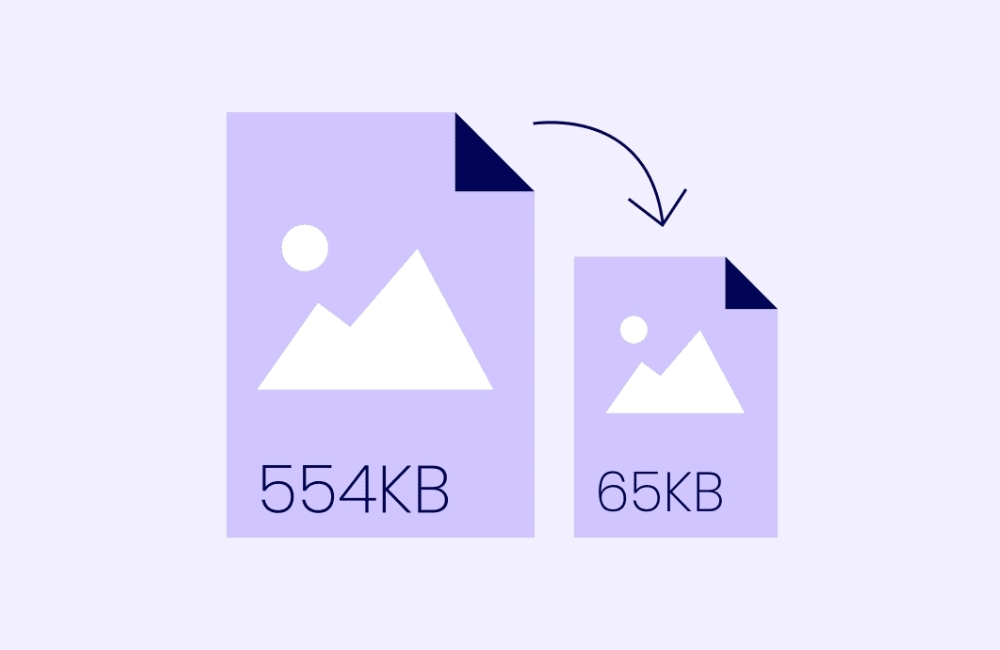
You can compress images without quality loss to make your site faster. It’s easy to reduce image size without losing looks by using smart tools that keep pictures clear and sharp.
How to Compress Images Without Losing Quality or Looks
Every second counts when visitors land on your website. Research shows that 40% of users will abandon a site that takes more than three seconds to load. While many factors affect website speed, images often account for the largest portion of a webpage’s total size. The good news? You can dramatically reduce image file sizes without sacrificing visual quality through proper compression techniques.
Image compression is essential for technical SEO success. Search engines like Google factor page speed into their ranking algorithms, making image optimization a critical component of any SEO strategy. When you optimize images effectively, you’ll see improvements in load times, user experience, and search engine rankings.
This guide will walk you through everything you need to know about compressing images while maintaining their visual appeal. You’ll learn about different compression methods, discover the best tools available, and understand how to implement optimization strategies that boost your website speed without compromising on looks.
Understanding Image Compression
Image compression reduces file sizes by removing or reorganizing data within image files. The process allows you to maintain visual quality while significantly decreasing the storage space and bandwidth required to display images on your website.
Lossy vs. Lossless Compression: What’s the Difference?
Two primary compression methods exist, each with distinct advantages for different use cases.
Lossy compression permanently removes some image data to achieve smaller file sizes. JPEG files use this method, which works exceptionally well for photographs and complex images with many colors. While some quality is lost during compression, the human eye typically cannot detect these changes at moderate compression levels. Lossy compression can reduce file sizes by 80-90% while maintaining acceptable visual quality.
Lossless compression preserves all original image data while still reducing file size. PNG files often use this approach, making it ideal for images with sharp edges, text, or transparent backgrounds. Though file sizes remain larger than lossy alternatives, no visual quality is sacrificed. This method typically achieves 10-50% size reduction.
Tools and Techniques for Image Compression
Multiple approaches exist for compressing images, ranging from user-friendly online tools to professional software solutions.
Online Image Compressors
Web-based compression tools offer convenience and accessibility without requiring software installation. TinyPNG excels at compressing PNG and JPEG files while maintaining visual quality. The tool automatically selects optimal compression settings and processes multiple files simultaneously.
Squoosh, developed by Google, provides advanced control over compression settings. Users can compare original and compressed versions side-by-side, adjusting quality levels in real-time to find the perfect balance between file size and visual appeal.
Kraken.io offers both free and premium compression services with additional features like image resizing and format conversion. The platform integrates with popular content management systems, streamlining the optimization workflow.
Software for Image Editing
Professional image editing software provides maximum control over the compression process. Adobe Photoshop’s “Save for Web” feature allows precise adjustment of quality settings while previewing file sizes and visual changes. The software supports various formats and optimization presets for different use cases.
GIMP, a free alternative to Photoshop, offers similar compression capabilities through its export dialog. Users can adjust quality levels, enable progressive encoding, and optimize color palettes for smaller file sizes.
Sketch and Figma, popular among web designers, include built-in export optimization features. These tools automatically generate compressed images at multiple resolutions, perfect for responsive web design implementations.
Command-Line Tools
Technical users and developers often prefer command-line solutions for batch processing and automation. ImageMagick provides powerful compression capabilities through simple commands, allowing bulk optimization of entire image directories.
OptiPNG and JPEGoptim offer specialized compression for their respective formats. These tools can be integrated into build processes, automatically optimizing images during website deployment.
Best Practices for Image Optimization
Effective image optimization extends beyond simple compression, encompassing format selection, sizing, and delivery methods.
Choosing the Right Image Format
Format selection significantly impacts both file size and visual quality. JPEG works best for photographs and images with gradual color transitions. The format supports high compression ratios while maintaining acceptable quality for most photographic content.
PNG suits images with sharp edges, text, or transparent backgrounds. While file sizes are typically larger than JPEG, the lossless compression preserves crisp details essential for logos, icons, and graphics with limited color palettes.
compress images without quality loss
compress images without quality loss
compress images without quality loss
You can compress images without quality loss to make your site faster. It’s easy to reduce image size without losing looks by using smart tools that keep pictures clear and sharp.
WebP, developed by Google, offers superior compression compared to both JPEG and PNG. The format supports both lossy and lossless compression while maintaining excellent visual quality. Browser support has improved significantly, making WebP a viable option for modern websites.
AVIF represents the newest image format, providing even better compression than WebP. Though browser support remains limited, AVIF can reduce file sizes by 50% or more compared to JPEG while maintaining similar quality levels.
Resizing Images Appropriately
Serving appropriately sized images prevents unnecessary bandwidth usage and improves website speed. Many websites display images at much smaller dimensions than their actual file size, wasting resources and slowing load times.
Responsive images using the srcset attribute allow browsers to select optimal image sizes based on device capabilities and display requirements. This approach ensures users receive appropriately sized images without manual intervention.
Consider creating multiple image variants for different use cases. Thumbnail images should be heavily compressed and sized for their display context, while hero images may require higher quality settings to maintain visual impact.
Implementing Lazy Loading
Lazy loading defers image loading until users scroll to view them, reducing initial page load times and bandwidth usage. This technique particularly benefits pages with many images, such as galleries or product catalogs.
Modern browsers support native lazy loading through the loading=”lazy” attribute, eliminating the need for JavaScript-based solutions. Implementation is straightforward and provides immediate performance benefits.
Intersection Observer API offers more advanced lazy loading control for complex scenarios. This approach allows custom loading triggers and enhanced user experience optimization.
Using CDNs for Image Delivery
Content Delivery Networks (CDNs) serve images from geographically distributed servers, reducing load times for users worldwide. Many CDN providers offer automatic image optimization features, including format conversion and dynamic resizing.
Cloudflare’s image optimization automatically compresses and converts images to optimal formats based on browser capabilities. The service requires minimal configuration while providing significant performance improvements.
Amazon CloudFront and other CDN services offer similar image optimization features, often with additional customization options for specific use cases.
Measuring Image Optimization Success
Tracking optimization results helps identify areas for improvement and demonstrates the impact of your efforts on website speed and SEO performance.
Page Speed Tools
Google PageSpeed Insights provides a comprehensive analysis of image optimization opportunities. The tool identifies unoptimized images and suggests specific improvements, including format changes and compression recommendations.
GTmetrix offers detailed performance reports with image-specific recommendations. The platform tracks performance changes over time, helping you measure optimization progress.
WebPageTest provides advanced testing capabilities, including waterfall charts that show individual image load times. This detailed analysis helps identify problematic images that require additional optimization.
Core Web Vitals
Google’s Core Web Vitals metrics directly impact search rankings and user experience. Largest Contentful Paint (LCP) often depends on image optimization, as hero images frequently represent the largest page elements.
Cumulative Layout Shift (CLS) can be affected by images that load without proper dimensions specified. Optimizing images with appropriate width and height attributes prevents layout shifts and improves Core Web Vitals scores.
First Input Delay (FID) may improve indirectly through reduced bandwidth usage and faster page rendering, allowing JavaScript to execute more quickly.
Optimizing Images for a Faster, More User-Friendly Website
Image compression represents one of the most effective ways to improve website speed without compromising visual appeal. By understanding compression methods, utilizing appropriate tools, and implementing optimization best practices, you can achieve significant performance improvements that benefit both users and search engine rankings.
Start by auditing your current images using tools like PageSpeed Insights to identify optimization opportunities. Focus on the largest images first, as they typically provide the greatest impact on load times and technical SEO performance.
Remember that image optimization is an ongoing process. New formats and compression techniques continue to emerge, offering additional opportunities for improvement. Regular monitoring and optimization ensure your website maintains optimal performance as technology evolves.
compress images without quality loss
You can compress images without quality loss to make your site faster. It’s easy to reduce image size without losing looks by using smart tools that keep pictures clear and sharp.
