

check Google profile performance
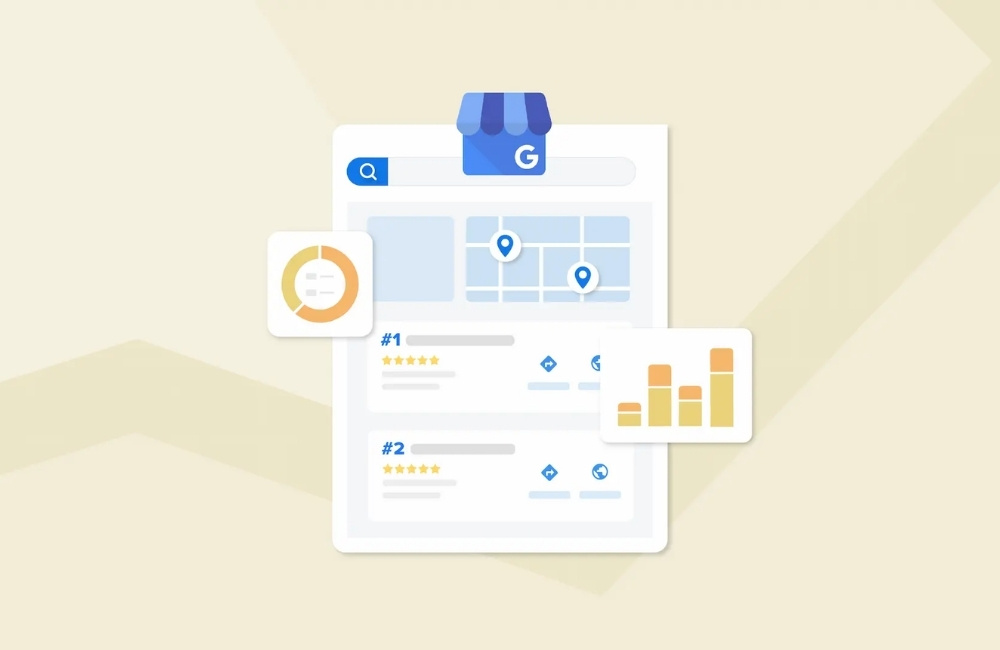
Check Google profile performance to see how your business is doing online. Track Google Business stats to understand views, clicks, and customer actions.
Free Tools to Check Your Google Profile Performance
Your Google Profile can make or break your local business success. When potential customers search for services in your area, your profile often serves as their first impression of your company. A well-optimized profile can drive foot traffic, phone calls, and website visits, while a neglected one might send customers straight to your competitors.
Many business owners create their Google Profile and then forget about it. This approach leaves money on the table. Your profile needs regular monitoring and optimization to perform at its best. The good news? You don’t need expensive software to track your Google Profile performance. Several free tools provide valuable insights that can help you understand how customers find and interact with your business online.
This guide will walk you through the most effective free tools for monitoring your Google Profile performance and show you how to use them to grow your local business.
What is Google Profile and Why Does It Matter for Local SEO
Google Profile, formerly known as Google My Business, is your business’s free listing on Google Search and Maps. When someone searches for your business name or relevant services in your area, your profile appears with essential information like your address, phone number, hours, and customer reviews.
Local SEO depends heavily on Google Profile optimization. Google uses your profile information to determine when and how prominently to display your business in local search results. A complete, accurate profile signals to Google that your business is legitimate and relevant to local searchers.
Your Google Profile impacts several key areas of your online presence. First, it affects your visibility in the local pack—those three business listings that appear at the top of local search results. Second, it influences your ranking in Maps searches, which many customers use to find nearby services. Finally, it provides social proof through customer reviews and photos, helping potential customers decide whether to choose your business.
Free Tools to Monitor Your Google Profile Performance
Google Analytics for Business Insights
Google Analytics offers powerful insights into how your Google Profile drives traffic to your website. While it doesn’t directly track profile views, it shows you which visitors came from Google’s ecosystem, including those who found you through local searches.
Setting up Google Analytics takes just a few minutes. Create a free account, add your website, and install the tracking code. Once data starts flowing, you can identify traffic patterns from local searches and measure how well your profile converts visitors into customers.
The “Acquisition” section reveals which Google services send you the most traffic. Look for referrals from Google Search, Google Maps, and direct searches for your business name. These metrics help you understand whether your local SEO efforts are paying off.
Google Analytics also tracks user behavior after people visit your website from local searches. You can see which pages they view, how long they stay, and whether they complete desired actions like filling out contact forms or calling your business.
Google Search Console for Search Performance
Google Search Console provides direct insights into how your business appears in search results. This free tool shows you which keywords trigger your Google Profile and website listings, giving you valuable data for local SEO optimization.
The “Performance” report reveals your average position in search results for different keywords. If your business ranks well for your main services but poorly for related terms, you might need to adjust your profile description or add more relevant keywords.
Search Console also identifies which Google services drive the most impressions and clicks. You can filter data to see performance specifically from Google Maps, Images, and regular search results. This information helps you focus optimization efforts where they’ll have the biggest impact.
Error reports in Search Console alert you to technical issues that might hurt your local SEO performance. While most errors affect your website rather than your Google Profile directly, fixing them improves your overall online presence and can boost local rankings.
Third-Party Local SEO Tools
Several free third-party tools complement Google’s official offerings by providing additional insights into your Google Profile performance.
BrightLocal’s free Google Profile grader analyzes your listing completeness and suggests improvements. It checks whether you’ve filled out all available fields, uploaded photos, and collected recent reviews. The tool also compares your profile to local competitors, highlighting areas where you might be falling behind.
Moz Local Check scans multiple online directories to ensure your business information is consistent across the web. Inconsistent NAP (Name, Address, Phone) data confuses search engines and can hurt your local rankings. This tool helps you identify and fix discrepancies quickly.
check Google profile performance
Check Google profile performance to see how your business is doing online. Track Google Business stats to understand views, clicks, and customer actions.
Whitespark’s free Google Profile audit examines your listing from multiple angles. It evaluates your category selection, photo quality, and review response rate. The tool also provides specific recommendations for improving each aspect of your profile.
These tools work best when used regularly. Monthly audits help you catch problems early and track improvement over time. Many successful local businesses schedule these check-ups as part of their ongoing marketing activities.
Essential Metrics to Track
Several key metrics indicate how well your Google Profile performs in local search results.
Profile views show how often people discover your business through Google Search and Maps. Increasing views typically indicate improved local SEO performance, though factors like seasonality and local events can cause fluctuations.
Direction requests and phone calls directly measure customer intent. People who ask for directions or call your business are highly qualified leads. Tracking these metrics helps you understand which profile elements drive the most valuable interactions.
Website clicks show how effectively your profile drives traffic to your site. If you receive many views but few clicks, your profile might need more compelling descriptions or better photos to encourage visitors to learn more.
Review metrics, including quantity, average rating, and response rate, affect both search rankings and customer perceptions. Regular monitoring helps you maintain a positive online reputation and address issues quickly.
Tips for Optimizing Your Google Profile Performance
Complete every available field in your Google Profile. Google rewards comprehensive listings with better visibility in local search results. Add your business description, attributes, services, and products to give customers complete information about what you offer.
Upload high-quality photos regularly. Businesses with photos receive 42% more requests for directions and 35% more click-throughs to their websites compared to those without images. Include exterior and interior shots, team photos, and pictures of your work or products.
Encourage satisfied customers to leave reviews and respond to all feedback promptly. Reviews signal to Google that your business is active and customer-focused. They also provide fresh content that can help your profile rank for additional keywords.
Post updates regularly using the Google Posts feature. Share news, special offers, events, and helpful tips related to your industry. Fresh content keeps your profile active and gives customers reasons to visit your business.
Monitor and respond to customer questions through the Q&A feature. Proactive answers help potential customers find the information they need while demonstrating your commitment to customer service.
Track, Analyze, and Optimize for Local Success
Monitoring your Google Profile performance doesn’t require expensive tools or complex analytics. The free resources outlined in this guide provide comprehensive insights into how customers find and interact with your business online.
Start by setting up Google Analytics and Google Search Console if you haven’t already. These foundational tools provide the core data you need to understand your local SEO performance. Then, incorporate monthly audits using third-party tools to identify optimization opportunities.
Remember that Google Profile optimization is an ongoing process, not a one-time task. Regular monitoring helps you stay ahead of competitors and adapt to changes in local search algorithms. Businesses that consistently track and improve their profiles see better visibility, more customer inquiries, and increased revenue over time.
Take action today by auditing your current Google Profile using the tools mentioned in this guide. Identify the biggest opportunities for improvement and create a plan to address them systematically. Your future customers are searching for businesses like yours right now—make sure they can find you.
check Google profile performance
Check Google profile performance to see how your business is doing online. Track Google Business stats to understand views, clicks, and customer actions.
