

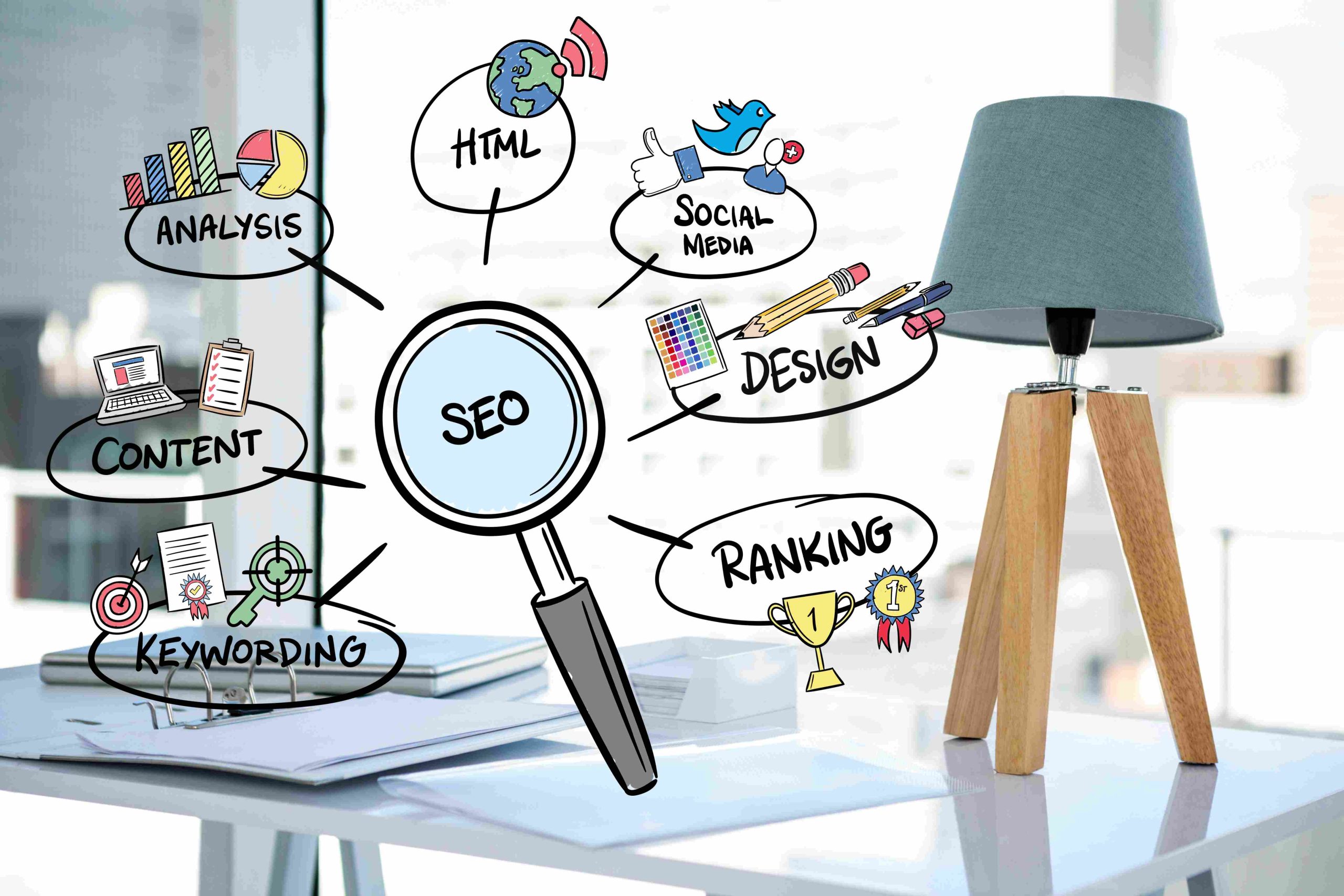
Best Free SEO Chrome Extensions in 2025
For bloggers and marketers, SEO isn’t just a buzzword; it’s the engine that drives visibility and growth. Mastering search engine optimization can feel like a complex, full-time job. Thankfully, a suite of powerful, free SEO tools is available right in your browser. SEO Chrome extensions can simplify your workflow, provide instant insights, and help you make data-driven decisions on the fly.
These handy browser add-ons put critical SEO metrics at your fingertips, eliminating the need to switch between different platforms constantly. You can analyze on-page elements, research keywords, and spy on your competition, all without leaving your current tab. As we look toward 2025, these extensions are becoming even smarter, integrating AI to offer more predictive and personalized insights.
This guide will walk you through the best free Chrome extensions for SEO in 2025, helping you find the right tools to boost your rankings. We’ll cover what to look for in an extension, review the top contenders, and share practical tips for integrating them into your daily strategy.
What to Look for in an SEO Chrome Extension
With hundreds of options available, choosing the right SEO Chrome extension can be overwhelming. To make the right choice for your needs, consider these key factors:
- Data Accuracy and Reliability: The extension should pull data from reputable sources. Inaccurate metrics can lead to poor decisions, so prioritize tools known for their reliability.
- Ease of Use: A good extension has an intuitive interface. You shouldn’t need a technical degree to understand the data it presents. Look for tools with clean layouts and clear visualizations.
- Integration Capabilities: The best extensions work well with other tools you already use, like Google Analytics or popular SEO platforms. Smooth integration creates a more efficient and unified workflow.
- Community Reviews and Support: Check the Chrome Web Store for ratings and reviews. An active user community and responsive developer support are good signs that the extension is well-maintained and trustworthy.
- Cost-Effectiveness: While this post focuses on free tools, many extensions offer premium features for a fee. Evaluate if the free version provides enough value or if a future upgrade might be a worthwhile investment.
- Security and Privacy: Browser extensions require certain permissions to function. Always review the developer’s privacy policy to understand what data they collect and how it’s used. Stick to well-known extensions from reputable developers to protect your information.
Top Free Chrome Extensions for SEO in 2025
After considering the criteria above, here are three of the most powerful and reliable free SEO Chrome extensions for bloggers and marketers in 2025.
1. MozBar
MozBar is a long-standing favorite in the SEO community, and for good reason. Developed by Moz, a leading authority in SEO, this extension provides instant metrics on any page you visit. It’s an excellent all-in-one tool for a quick overview of a site’s authority and on-page elements.
Key Features:
- Page and Domain Authority: Instantly see the Page Authority (PA) and Domain Authority (DA) scores for any website. These scores predict a site’s ranking potential.
- On-Page Analysis: Highlight different types of links (internal, external, nofollow), check for alt text on images, and view meta tags, H1s, and other on-page elements with a single click.
- SERP Overlay: When you search on Google, MozBar overlays its metrics directly onto the search results page, allowing you to see the authority of competing pages at a glance.
Benefits for Bloggers & Marketers:
MozBar is perfect for quick competitor analysis and on-page spot-checks. The SERP overlay is particularly useful for gauging the difficulty of ranking for a specific keyword before you even start writing.
2. SEOquake
SEOquake, developed by Semrush, is another powerhouse extension that offers a wealth of data. It’s a comprehensive diagnostic tool that provides a detailed SEO audit for any webpage. While it can feel data-heavy at first, its customization options allow you to focus on the metrics that matter most to you.
Key Features:
- SEObar: A fully customizable toolbar that gives you an instant summary of a page’s key metrics, including Google Index, Semrush Rank, and backlink data.
- On-Page SEO Audit: SEOquake runs a quick check for common on-page SEO issues, such as missing meta descriptions, lengthy titles, or low keyword density.
- SERP Overlay: Similar to MozBar, it enhances search results with detailed analytics, helping you compare your domain against competitors.
- Internal and External Link Analysis: Get a full report on all links on a page, which is great for auditing your site’s link structure or analyzing a competitor’s backlink strategy.
Benefits for Bloggers & Marketers:
SEOquake is ideal for those who want to dive deep into technical SEO. The on-page audit feature is a quick way to identify and fix issues that could be holding your site back.
3. Keywords Everywhere
While many keyword tools come with a hefty price tag, Keywords Everywhere offers valuable data for free. This extension integrates directly into your search engine, showing you keyword suggestions and related metrics right on the results page.
Key Features:
- SERP Metrics: The free version shows you “People Also Ask” keywords, related keywords, and long-tail keyword suggestions in widgets alongside your search results.
- Trend Analysis: See historical trend data for any keyword directly from Google Trends.
- On-Page Analysis: The extension helps you analyze keyword density and find opportunities to optimize your content better.
Benefits for Bloggers & Marketers:
Keywords Everywhere is an essential tool for content ideation and keyword research. Seeing related searches and long-tail keywords directly in the SERP can spark new article ideas and help you create more comprehensive content that meets user intent.
How to Use SEO Chrome Extensions Effectively
Having these tools is one thing; using them effectively is another. Here are some practical ways to incorporate these extensions into your SEO strategy:
- Keyword Research: Use Keywords Everywhere to discover new content ideas while you browse. When you search for a broad topic, pay attention to the “People Also Ask” and “Related Keywords” boxes to find long-tail keywords with less competition.
- Competitor Analysis: Visit a competitor’s top-ranking blog post and activate MozBar or SEOquake. Analyze their Domain Authority, on-page elements (like H1s and meta descriptions), and internal linking structure. This will give you a blueprint for creating content that can outperform theirs.
- Backlink Monitoring: Use SEOquake to check the external links on a competitor’s page quickly. This can reveal their backlink sources and give you ideas for your own link-building campaigns.
- On-Page Optimization: Before publishing a new blog post, run an on-page audit with SEOquake. Check for missing alt text, ensure your meta title and description are optimized, and verify that your heading structure is logical.
The Future of SEO Chrome Extensions
Looking ahead to 2025 and beyond, SEO Chrome extensions will continue to evolve. The integration of AI and machine learning is the most significant trend on the horizon. Expect extensions to offer more predictive analytics, such as forecasting a keyword’s ranking potential or automatically generating optimized meta descriptions based on your content.
Another area of development is mobile SEO. As Google continues to prioritize mobile-first indexing, extensions may soon offer features that simulate how a page performs and appears on various mobile devices. This will allow marketers and bloggers to optimize for the mobile experience more efficiently.
Elevate Your SEO Game
SEO doesn’t have to be an expensive or overly complicated endeavor. With the right free SEO Chrome extensions, you can access powerful data and streamline your optimization efforts directly from your browser. Tools like MozBar, SEOquake, and Keywords Everywhere provide the insights you need to conduct keyword research, analyze competitors, and perfect your on-page SEO.
By integrating these tools into your daily workflow, you’ll be better equipped to make informed decisions that drive traffic and improve your search rankings. As SEO continues to change, these extensions will remain invaluable assets for any savvy blogger or marketer looking to stay ahead of the curve in 2025.
free SEO Chrome tools
Try free SEO Chrome tools to improve your site. Use the best SEO extensions 2025 for fast and smart results.
