

learn coding basics
learn coding basics
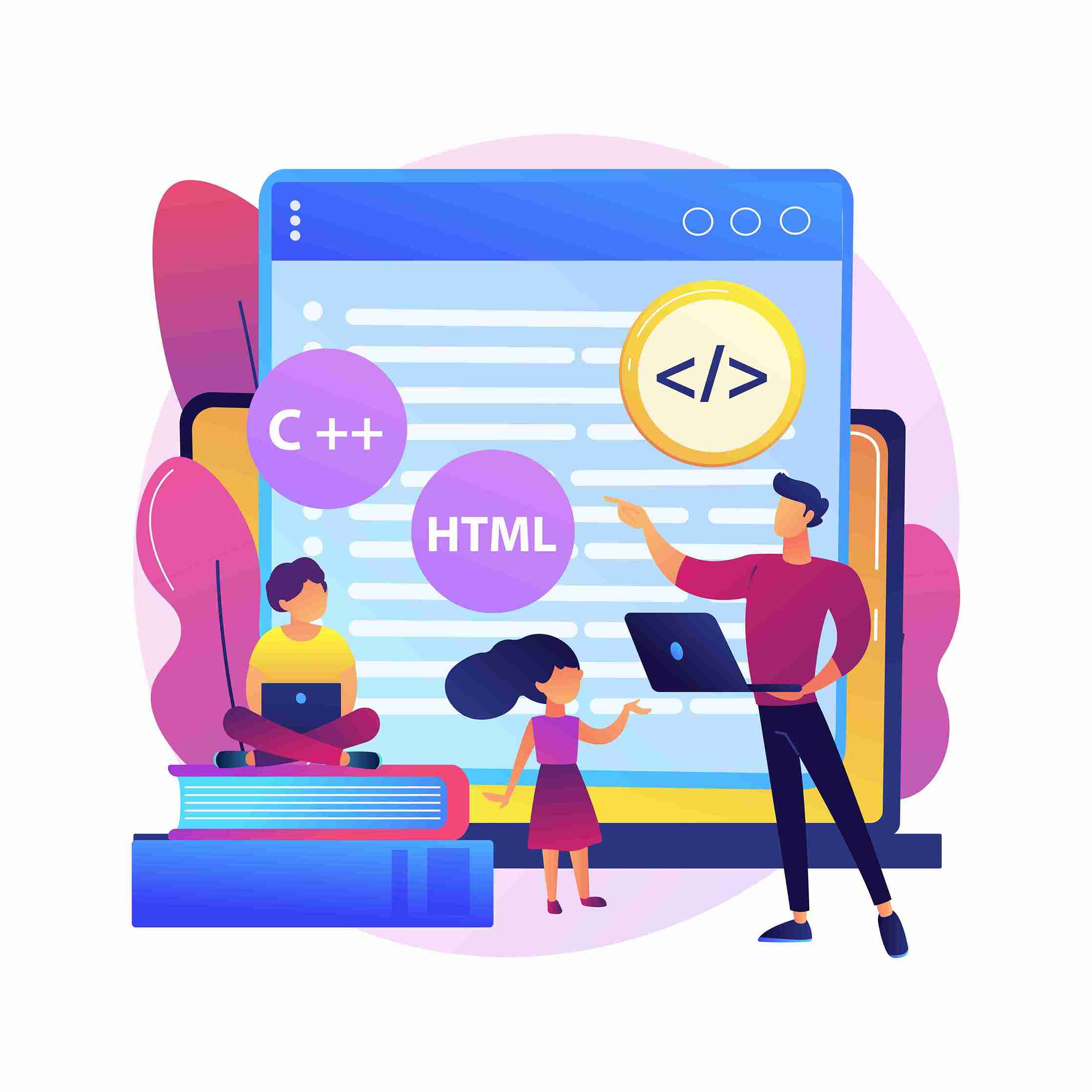
Learn coding basics like HTML and CSS to build simple websites. These are key steps in beginner web design for creating clean layouts
learn coding basics
learn coding basics
Master Basic Coding & Web Design Skills in Simple Steps
Learning to code and create websites might seem overwhelming at first glance. However, with the right approach and resources, anyone can master these essential digital skills. Whether you’re looking to advance your career, start a side project, or understand how the web works, coding and web design offer valuable opportunities for personal and professional growth.
The demand for digital skills continues to rise across industries. Basic coding knowledge can help you automate tasks, communicate better with technical teams, and even launch your own online ventures. Web design skills complement coding perfectly, allowing you to create visually appealing and user-friendly websites.
This guide breaks down the learning process into manageable steps, providing you with the tools and knowledge needed to start your coding journey. You’ll discover the essential languages to focus on, the best resources for learning, and practical tips to accelerate your progress.
Understanding the Foundation: Coding and Web Design
What is Coding?
Coding involves writing instructions that computers can understand and execute. These instructions, written in various programming languages, tell computers what to do, how to display information, and how to respond to user interactions. For web development, coding creates the structure, functionality, and behavior of websites.
Think of coding as the blueprint and engine of a website. It determines how pages load, how users navigate between sections, and how interactive elements respond to clicks or touches. While it might seem complex initially, coding for beginners follows logical patterns that become intuitive with practice.
Web Design Essentials
Web design encompasses the visual and user experience aspects of websites. It includes choosing colors, fonts, layouts, and organizing content in ways that are both attractive and functional. Good web design considers how users interact with websites, ensuring navigation is intuitive and information is easy to find.
Modern web design balances aesthetics with functionality. Designers must consider how websites appear on different devices, from desktop computers to smartphones, while maintaining fast loading speeds and accessibility for all users.
Essential Coding Languages for Beginners
HTML: The Foundation
HTML (HyperText Markup Language) forms the backbone of every website. It defines the structure and content of web pages using elements called tags. These tags tell browsers how to display Text, images, links, and other content.
Learning HTML first makes sense because it’s the most straightforward coding language for beginners. HTML uses English-like commands that describe what each piece of content represents. For example, <h1> tags indicate main headings, while <p> tags define paragraphs.
HTML provides the foundation upon which all other web technologies build. Once you understand how HTML structures content, adding styling and interactivity becomes much more manageable.
CSS: Adding Style and Visual Appeal
CSS (Cascading Style Sheets) controls how HTML elements appear on screen. While HTML defines content structure, CSS determines colors, fonts, spacing, layouts, and responsive design features that make websites visually appealing.
CSS works by selecting HTML elements and applying style rules to them. You can change text colors, adjust spacing between elements, create animations, and design layouts that work across different screen sizes. Modern CSS includes powerful features for creating sophisticated designs without requiring complex code.
Learning CSS alongside HTML allows you to see immediate visual results from your coding efforts, making the learning process more engaging and rewarding.
JavaScript: Creating Interactive Experiences
JavaScript adds interactivity and dynamic behavior to websites. While HTML structures content and CSS styles it, JavaScript makes things happen when users click buttons, submit forms, or interact with page elements.
For coding for beginners, JavaScript might seem more challenging than HTML and CSS, but starting with simple examples helps build confidence. You can begin with basic features like showing and hiding content, validating form inputs, or creating simple animations.
JavaScript’s versatility extends beyond web browsers, making it a valuable skill for various programming applications. However, focusing on web-specific uses helps maintain clear learning objectives when starting.
Tools and Resources for Learning
Online Learning Platforms
Several platforms offer excellent web design tutorials and coding courses designed for beginners. Codecademy provides interactive lessons that let you practice coding directly in your browser, with immediate feedback on your progress.
FreeCodeCamp offers comprehensive curricula covering HTML, CSS, and JavaScript, along with projects that help you build a portfolio. Their learn to code free approach makes quality education accessible to everyone, regardless of budget constraints.
Khan Academy provides structured lessons with clear explanations and practice exercises. Their visual approach helps learners understand concepts through diagrams and interactive examples.
Development Tools
VS Code serves as an excellent text editor for writing code. It offers features like syntax highlighting, error detection, and extensions that enhance the coding experience. The software is free and works on all major operating systems.
Sublime Text provides another popular option for code editing, known for its speed and customization options. While it requires a license for continued use, many beginners start with its unlimited trial period.
Browser developer tools, available in Chrome, Firefox, and other browsers, allow you to inspect and modify website code in real-time. These tools help you understand how existing websites work and debug your own code.
Building Your First Web Page: A Step-by-Step Guide
Setting Up Your Development Environment
Create a folder on your computer dedicated to your web development projects. Download and install a text editor like VS Code, then create your first HTML file by opening the editor and saving a new document with a .html extension.
Most text editors provide templates or shortcuts for creating basic HTML structure. This foundation includes essential elements like the document type declaration, head section for metadata, and body section for visible content.
Writing Your First HTML
Start with a simple page structure containing a heading, paragraph, and link. Use semantic HTML elements that clearly describe their content’s purpose. This approach not only makes your code easier to read but also improves accessibility and search engine optimization.
Add different types of content like images, lists, and headings to practice various HTML elements. Each element serves a specific purpose and follows particular formatting rules that browsers understand.
Styling with CSS
learn coding basics
learn coding basics
Learn coding basics like HTML and CSS to build simple websites. These are key steps in beginner web design for creating clean layouts
learn coding basics
learn coding basics
Create a separate CSS file and link it to your HTML document. This separation keeps your code organized and makes it easier to maintain larger projects.
Start with basic styling like changing text colors, adjusting fonts, and modifying spacing. Experiment with different CSS properties to see how they affect your page’s appearance. Use browser developer tools to test changes instantly before adding them to your stylesheet.
Tips for Effective Learning
Consistent Practice
Set aside dedicated time each day for coding practice, even if it’s just 15-30 minutes. Consistency builds muscle memory and helps concepts stick better than sporadic long study sessions.
Work on small projects that gradually increase in complexity. Start with simple single-page websites before attempting multi-page sites with complex layouts and interactions.
Join Learning Communities
Online communities provide support, motivation, and opportunities to learn from others’ experiences. Platforms like Reddit, Discord, and specialized forums host groups where beginners can ask questions and share projects.
Many communities organize virtual meetups, coding challenges, and collaborative projects that accelerate learning through social interaction and friendly competition.
Build Real Projects
Apply your skills to projects that interest you personally. Whether it’s a website for a hobby, a portfolio showcasing your work, or a simple tool that solves a problem you face, real projects provide motivation and practical experience.
Document your projects and share them with others for feedback. This practice helps you identify areas for improvement and builds confidence in your abilities.
Start Your Coding Journey Today
Learning basic coding and web design opens doors to numerous opportunities in our increasingly digital world. The skills you develop will serve you well whether you pursue a career in tech, start your own online business, or want to understand how modern websites work.
The resources and approaches outlined in this guide provide a solid foundation for beginning your learning journey. Remember that everyone learns at their own pace, and persistence matters more than perfection when starting.
Take the first step by choosing one of the recommended learning platforms and creating your first HTML file. With consistent practice and the right resources, you’ll be surprised how quickly you can progress from a complete beginner to a confident coder.
learn coding basics
learn coding basics
Learn coding basics like HTML and CSS to build simple websites. These are key steps in beginner web design for creating clean layouts
